How to Check Balance in Globe Telecom (Easy Guide 2026)
If you use a Globe SIM, it is important to check your balance regularly. Your balance shows how much load and mobile data you still have. This helps you avoid running out of load while calling, texting, or using the internet.
The good news is that checking your balance in Globe Telecom is very simple. You can dial a short USSD code, send a text message, or use the GlobeOne App on your phone. These methods only take a few seconds.
In this guide, you will learn easy ways to check your Globe load balance and data balance in 2026. Follow the steps below to see your remaining balance anytime.
If your balance inquiries keep failing, make sure you have completed your Globe SIM registration so your number stays active.
Quick Way to View Your Globe Balance (*143#)
The Globe One app is a handy mobile tool. It helps Globe Prepaid, Postpaid, TM, and Globe At Home users manage their accounts easily. Instead of calling customer support or visiting a store, you can handle most tasks directly through the app.
Globe customers love the app. It saves time, offers transparency, and gives complete control over all Globe services on your phone. These are features you get in the Globe One App.
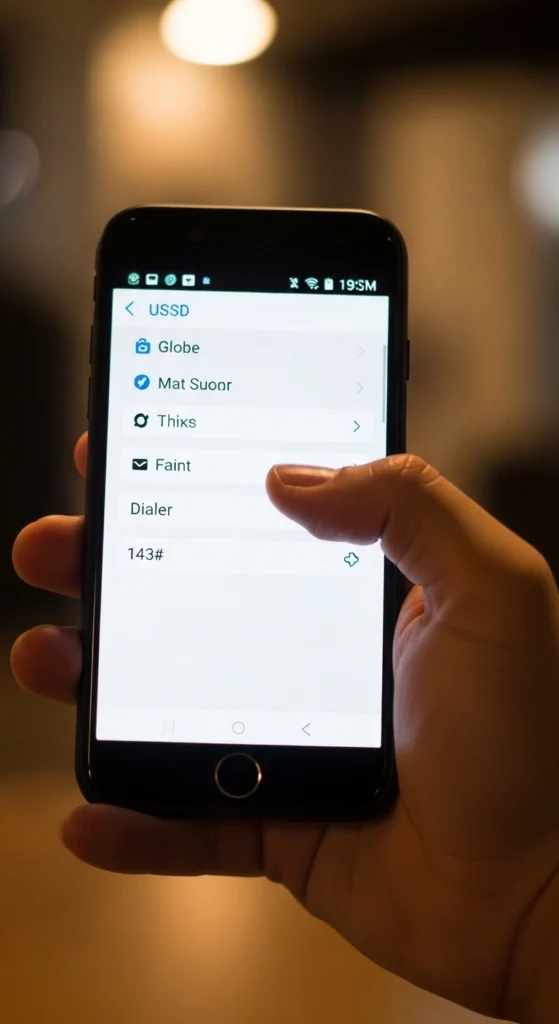
Steps to Dial *143#
- Open your phone’s dialer.
- Type *143#.
- Press the Call button.
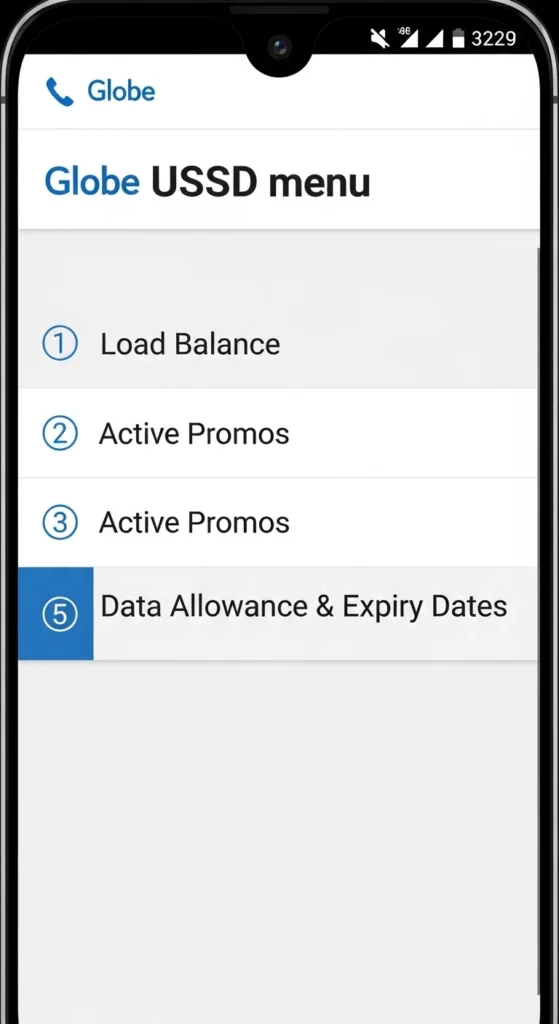
- Select My Account from the menu.
- Tap Balance Inquiry
What You Will See in the Menu
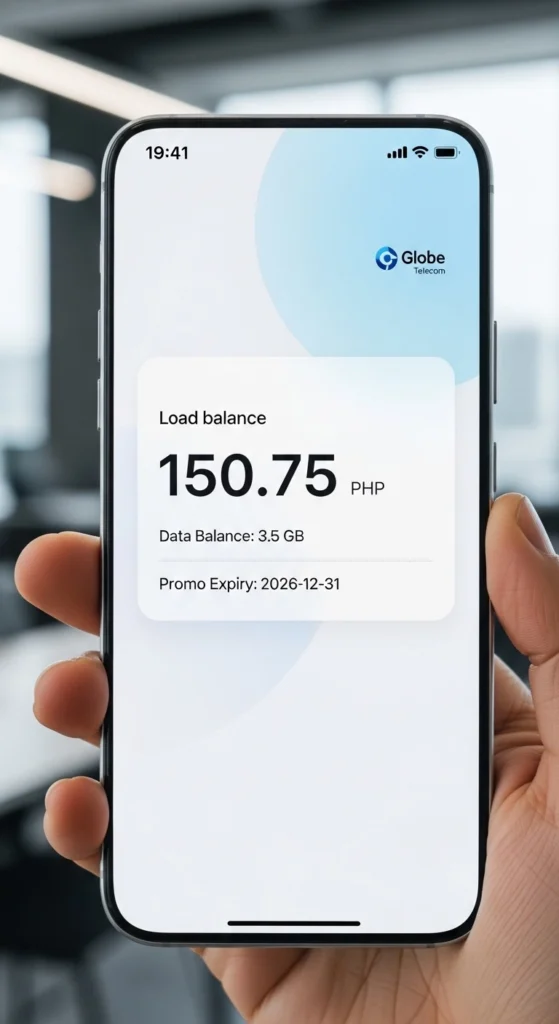
- Your current load balance
- Any active promos
- Remaining data allowance
- Expiry dates for promos
If you are tired of constantly monitoring and topping up your prepaid balance, it might be time to upgrade and check out the latest Globe postpaid plans.
Viewing Account Details Through the GlobeOne App
The GlobeOne App is the official mobile app from Globe Telecom. It allows users to manage their accounts easily.
Download and Login
- Download the GlobeOne App from the Google Play Store or the Apple App Store.
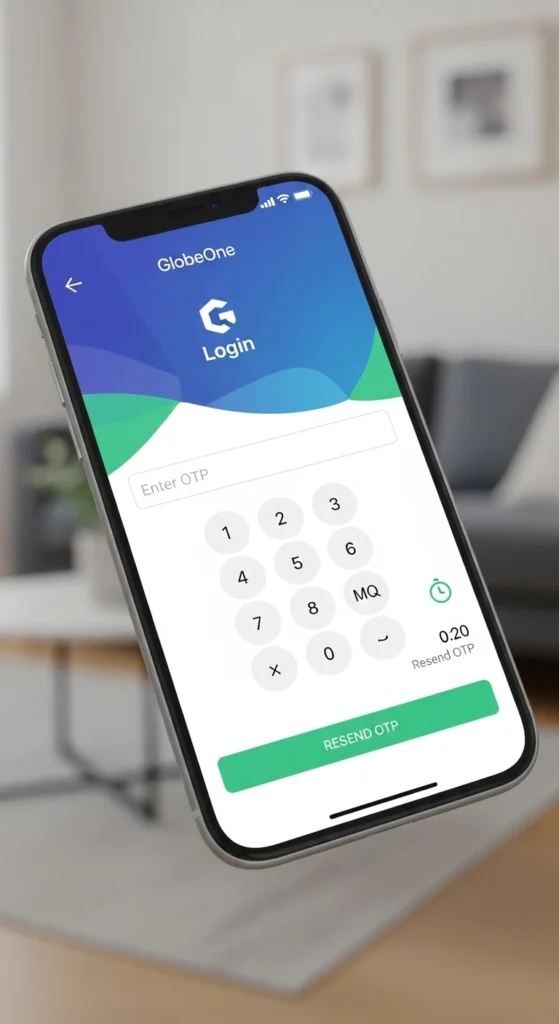
- Open the app and log in with your Globe number.
- Enter the OTP sent to your phone to verify your account.
Check Your Balance and Data
Once logged in, the app will display:
- Remaining load
- Available mobile data
- Active promos
- Rewards points
The app also helps you track your usage in real time.
For brand new 5G users, you must officially activate your Globe SIM before you can check your balance or claim welcome freebies.
Checking Balance Through SMS
Another option is sending a text message.
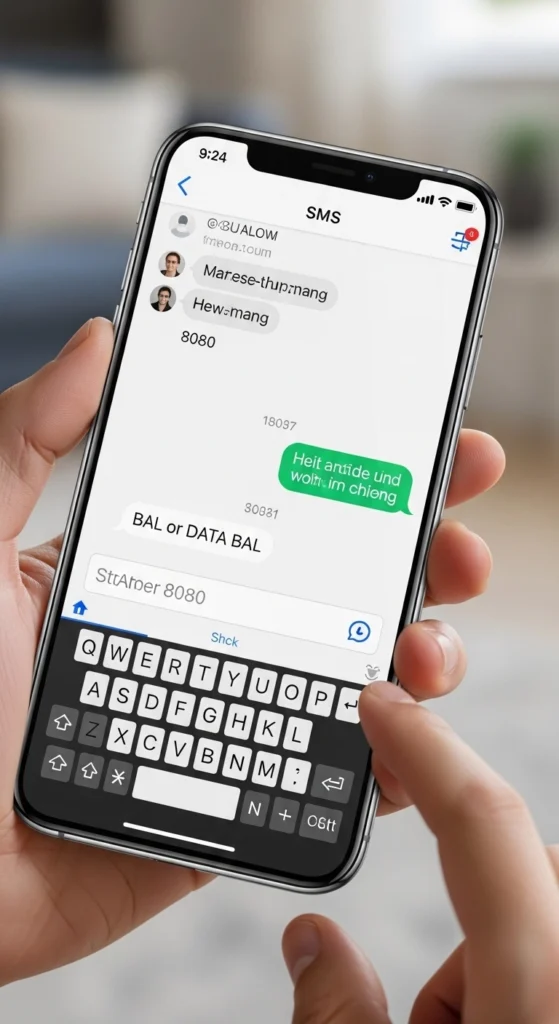
You can send a simple SMS request to Globe to receive your balance details. After sending the message, the system will reply with information
Steps to Send SMS
- Open your messaging app.
- Type “BAL” or “DATA BAL”.
- Send it to 8080.
What to Expect in the Reply
You will receive an SMS showing:
- Your remaining load balance
- Remaining data balance
- Active promos (if any)
Viewing Remaining Mobile Data
Many Globe users also want to know how much internet data they still have.
You can check your data balance by:
- Dialing *143# and selecting the data option
- Opening the GlobeOne App dashboard
Both options will show your remaining internet data and promo expiration date.
If you check your balance and notice your data promo is about to expire, you can actually extend your Globe load validity to save your remaining megabytes.
Getting Balance Information From Customer Support
If the other methods are not working, you can contact Globe support.
Calling the Globe Hotline
Dial 211 from your Globe SIM and follow the voice instructions. The system or support representative can help you check your balance and account details.
This option is useful when you need help with account problems.
Checking Globe Rewards Points
Globe customers can earn rewards points when using services or promos. You can keep track of your points using these methods:
- Check in the GlobeOne App: Open the app and go to the Rewards section. Your total points will be displayed on the dashboard.
- Redeem your points: You can use your rewards points to get promos, vouchers, or special offers from Globe partners.
- Track points regularly: Checking your rewards often ensures you never miss a chance to redeem them before they expire.
Checking Balance Without Internet
If you do not have mobile data or Wi-Fi, you can still check your Globe balance using these methods:
- *Dial 143#: You can quickly view your load and data balance by dialing this code from your phone. It works on both basic phones and smartphones.
- Send a balance inquiry SMS: Send your request to 8080, and you will receive a message showing your remaining load and data balance.
These methods ensure you can always check your account even without an internet connection.
Remember that standard data promos do not cover everything, so you will still need regular load if you want to call a landline using your Globe number.
Helpful Tips for Managing Your Globe Balance
To avoid running out of load or data, follow these simple tips:
- Check your balance regularly: Make it a habit to check before calls, texts, or browsing.
- Monitor your daily data usage: Keep track of how much data you use each day to avoid surprises.
- Register promos that match your usage: Choose Globe promos based on your calling, texting, or data needs.
- Use the GlobeOne App for real-time tracking: The app shows your balance, data, and active promos instantly.
- Set reminders for promo expiration: Make sure you use your promos before they expire.
- Top up or load before it runs out: Avoid service interruptions by reloading early.
- Turn off mobile data when not needed: Save your data for important apps or browsing.
- Check rewards points regularly: Redeem your points for load, promos, or discounts.
- Keep your phone updated: GlobeOne App updates ensure you see accurate balance info.
- Use official Globe channels only: Avoid third-party apps or websites for balance checking.
These simple habits will help you manage your mobile usage efficiently, save money, and never run out of load or data when you need it most.
To easily monitor your balance and avoid massive bill shocks while traveling abroad, be sure to activate your Globe roaming before your flight takes off.
Common Balance Inquiry Issues
Sometimes users may experience small problems while checking their balance.
No Response From USSD Code
If dialing *143# does not show the menu, the first thing you should do is check your mobile signal. Sometimes, a weak signal prevents the USSD menu from appearing. If your signal is fine, try restarting your phone and dialing the code again. Make sure you are using a Globe SIM and that it is properly inserted in your phone. If the issue continues, it may be due to network traffic, so wait a few minutes and try again during off-peak hours.
SMS Reply Not Received
When you send an SMS to check your balance and do not get a reply, first confirm that you sent the correct message format to 8080. Also, ensure that your phone has enough load to send SMS and that your network coverage is good. Sometimes, network delays can slow down replies, so wait a few minutes before trying again. If you still do not get a message, you can resend the SMS or use the USSD code as an alternative.
App Not Showing Updated Balance
If the GlobeOne App is not showing your updated balance, make sure you have the latest version of the app installed. Logging out and then logging back in can refresh the dashboard and show your correct balance. You should also restart your phone and open the app with a stable internet connection. Clearing the app cache can help remove temporary errors. If your balance still does not update, contact Globe customer support for assistance.
Extra Tips for All Methods
To avoid problems with checking your balance, always use official Globe channels such as USSD, SMS, or the GlobeOne App. Keep your SIM active by topping up before it expires, and enable balance notifications in the app to receive updates in real time
Conclusion
Checking your balance in Globe Telecom is simple and only takes a few seconds. The most common method is dialing *143#, but you can also use the **GlobeOne App, SMS, or customer support.
By checking your load and data regularly, you can manage your usage better and avoid service interruptions.
Frequently Asked Questions
What is the Globe balance check code?
You can dial *143# on your phone to view your load balance instantly.
Can I check my Globe balance without internet?
Yes. Dialing *143# or sending an SMS balance request works without internet.
How do I check my remaining data?
You can check your remaining data through the GlobeOne App or by using the *143# menu.
Is checking Globe balance free?
Yes, using the USSD code (*143#) to check your balance is usually free for Globe users.
How do I check my Globe data balance using SMS?
Send “DATA BAL” or “DATABAL” to 8080. You will receive an SMS with your remaining data.
Why is my Globe balance not showing correctly?
Your balance may not update due to a network delay. Try again after a few minutes or restart your phone.
Can I check Globe load balance on any phone?
Yes. You can check your balance using *143# or SMS on both basic and smartphone devices.
How can I check my Globe rewards points?
Open the GlobeOne App and go to the Rewards section to see your rewards points.
How often should I check my Globe balance?
It’s best to check before using services like calls, texts, or mobile data so you don’t run out unexpectedly.