How to Share Data in Globe
Sharing data with friends or family has never been easier with Globe. Using the GlobeOne app, you can quickly send data to any Globe or TM number, whether it’s a small amount for a friend or a larger transfer for family members. The process is simple, fast, and secure.
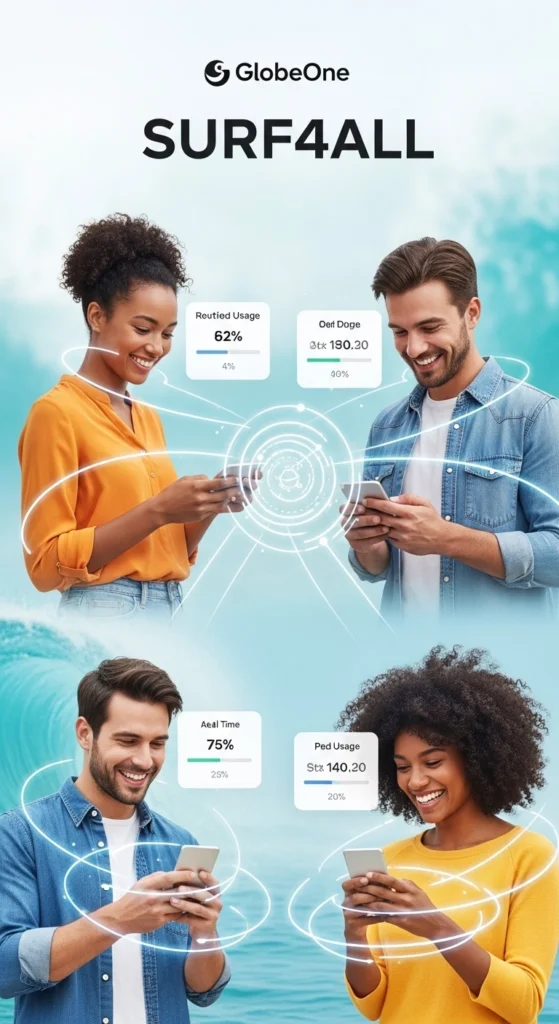
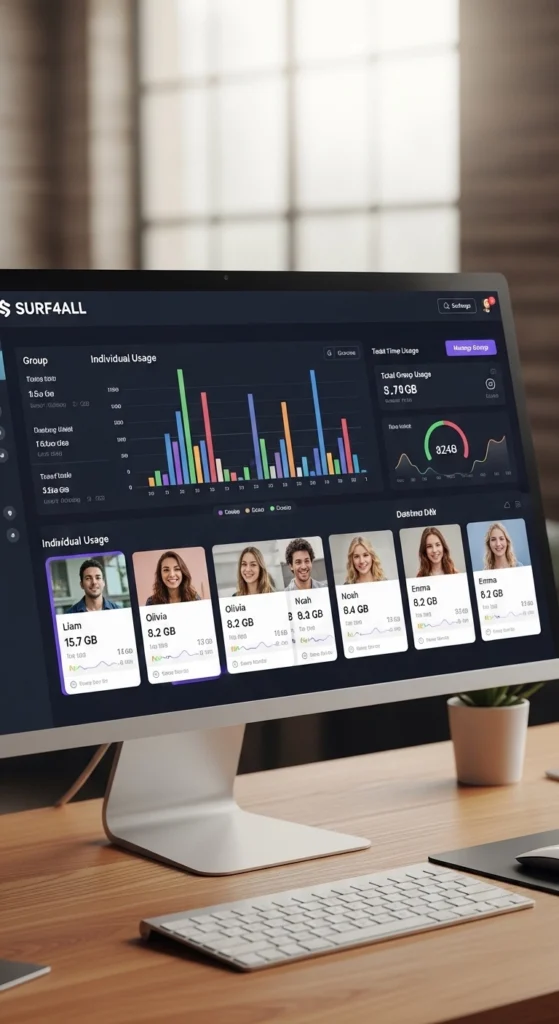
For those who want to share with multiple people at once, the SURF4ALL group data promo is perfect. It allows you to create a shared data pool for up to 4 users, track usage for each member, and manage individual limits, all in just a few taps through the app.
Keep in mind that your number must be completely verified through the official Globe SIM registration process before you are allowed to use data-sharing features
What is SURF4ALL?
SURF4ALL is a Globe promo that allows group data sharing for Prepaid, Postpaid, TM, and MyFi users.
- Share data with up to 3 other users (plus yourself).
- Available data packs: SURF4ALL99 (9 GB) and SURF4ALL249 (20 GB).
- Promo validity: 7 days.
- Manage limits and usage per member via the GlobeOne app.
- This is perfect if you want to share internet access with friends or family without transferring individual data packs manually.
Key Data Sharing Methods
Globe offers several ways to share data depending on your SIM type, promo, or device. Here are the main methods:
SURF4ALL Promo
- Register for SURF4ALL via the GlobeOne app.
- Example: SURF4ALL249 gives 20 GB for 7 days.
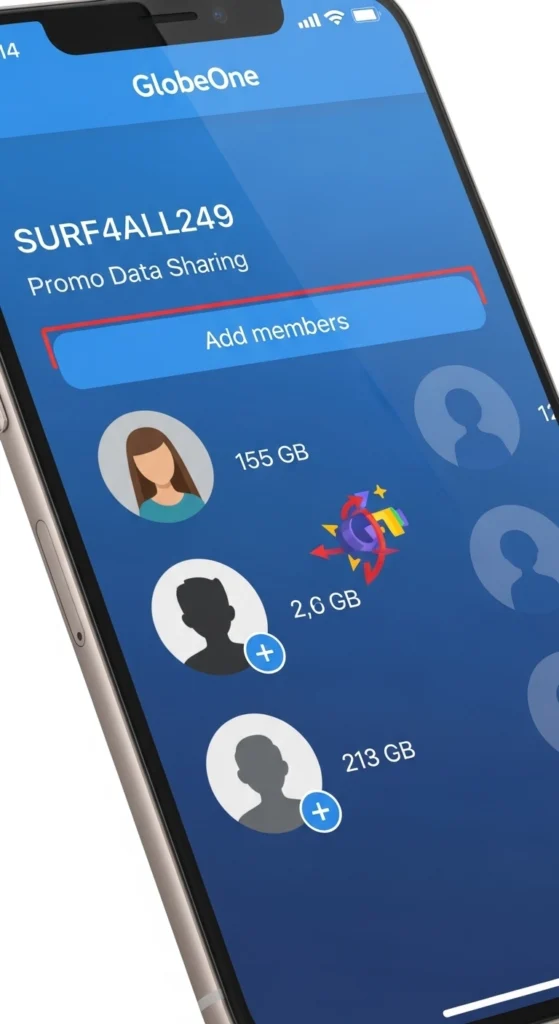
- Use the “Group Data” feature to add up to 4 members and share the data.
- Ideal for sharing with friends or family in a single data pool, while managing individual usage limits.
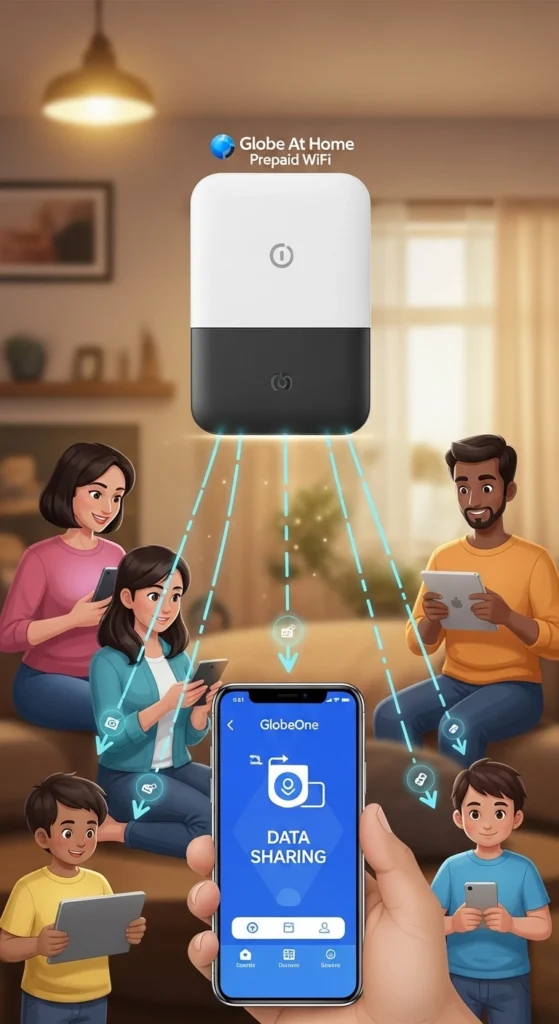
FamSURF (For Globe At Home)
- If you have a Globe At Home Prepaid WiFi, open the GlobeOne app.
- Go to the “Group Data” tab.
- Add family members and share your data with them.
- This is perfect for home use, where multiple devices need internet access without buying separate data packs.
GCash / GlobeOne App
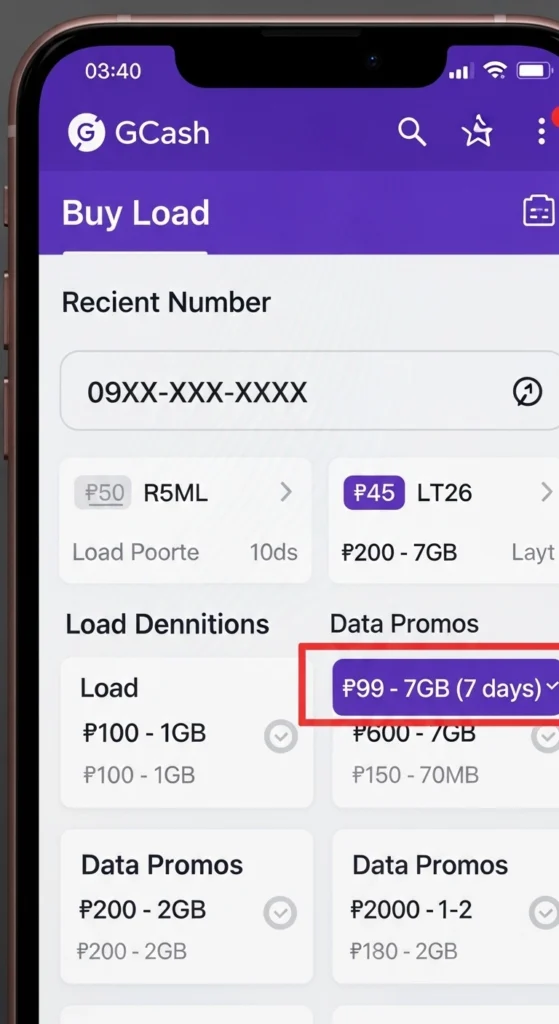
- Instead of sharing active data, you can buy a new promo or load directly for someone else’s number.
- Use GCash app → Buy Load or GlobeOne app → Buy Load/Promos.
- Useful if you want to give data to someone outside your SURF4ALL or FamSURF group, or if their promo doesn’t allow sharing.
If you prefer sharing your internet via a prepaid home router instead of mobile data, remember to regularly change your Globe WiFi password to keep unauthorized users out.
How to Share Data Using GlobeOne App (Manual Method)
Even outside SURF4ALL, Globe users can share data individually:
- Open the GlobeOne app.
- Tap Data Share / Send Data.
- Enter the recipient’s Globe/TM number.
- Select the data amount.
- Confirm and send.
Requirements to Share Data
- Active Globe SIM (Prepaid, Postpaid, TM, or MyFi).
- Sufficient data balance.
- Some promos or data packs may not allow sharing.
How to Share Data Using SURF4ALL
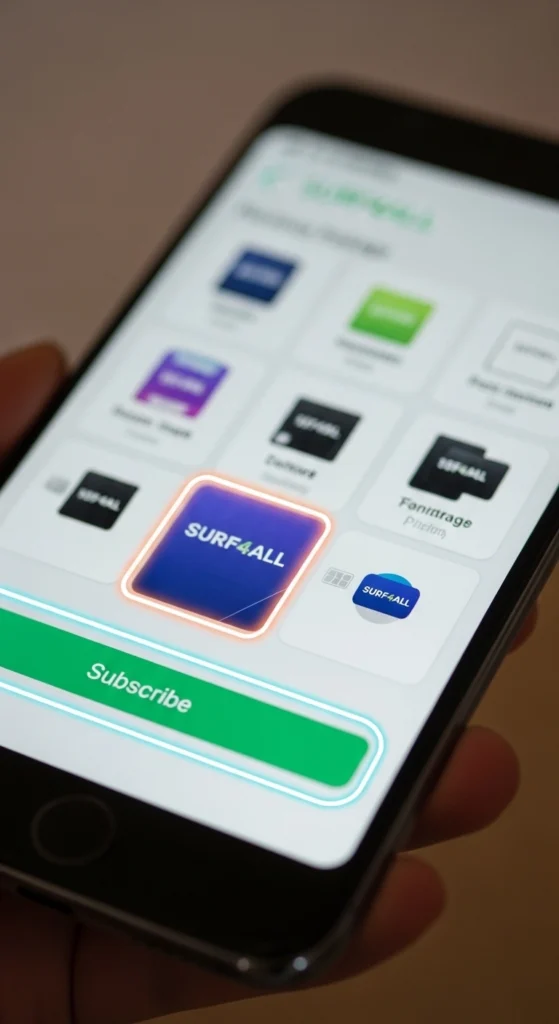
Step 1:Subscribe to the Promo
- Open the GlobeOne app.
- Go to Promos → Group Data.
- Select your preferred SURF4ALL pack:
- SURF4ALL99 (9 GB) – ₱99
- SURF4ALL249 (20 GB) – ₱249
Step 2:Add Members
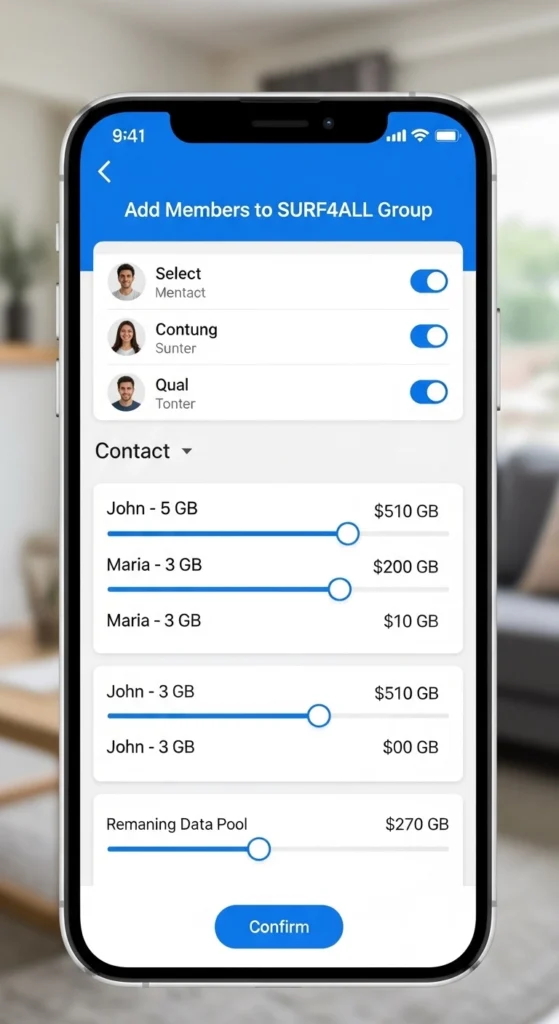
- Tap “Manage Group Data” in GlobeOne.
- Enter the Globe/TM numbers of up to 3 friends or family members.
- Optionally, set individual data limits.
Step 3:Track Usage
- The promo owner can track total group usage.
- Members can see their own usage but not others’.
- Data sharing ends when the promo expires or the pool is fully used.
If you receive persistent error messages while trying to transfer your gigabytes, reaching out to Globe customer service can quickly resolve any account restrictions.
Common Issues & How to Fix Them
Issue | Solution |
Insufficient data balance | Your transfer may fail if your Globe SIM does not have enough data. Recharge or top up your data before sharing. For SURF4ALL users, make sure your promo data hasn’t already been fully used. |
Invalid recipient number | Data sharing only works with Globe or TM numbers. Double-check that you entered the correct mobile number. If the recipient recently ported their number to another network, the transfer will not go through. |
Promo restrictions | Some promos or data packs cannot be shared. Check the terms of your active promo in the GlobeOne app before attempting to share. If your pack is not eligible, consider using SURF4ALL or purchasing a shareable data pack. |
For users who frequently share their internet with family members, upgrading to higher-tier Globe plans provides a much larger monthly allowance to distribute.
Conclusion
Sharing data in Globe is now simple and flexible. Whether through SURF4ALL or GlobeOne’s manual data share, you can keep your friends and family connected while managing limits and usage easily. Always verify the recipient’s number and check your balance before sharing to avoid interruptions.
To ensure you have plenty of extra gigabytes to pass around to your friends, learn how to claim your free Go5G in Globe before you start sharing.
Frequently Asked Questions
Can I share data with other networks?
No, Globe data sharing works only with Globe or TM numbers. If you try to send data to another network, the transfer will fail. To stay connected with non-Globe users, you may consider giving them a Globe SIM or topping up their data separately.
How many people can I share data with?
Using SURF4ALL, you can share with up to 3 friends or family members, making a total of 4 users, including yourself. This allows everyone in your group to use data from a single pool without needing to buy separate data packs. Keep in mind that all usage counts toward the total promo allowance, so managing individual limits is helpful.
Can I set data limits per member?
Yes, you can set custom data limits for each member using the GlobeOne app. This helps prevent one person from using all the data before others get a chance. Members can see their own usage, but only the promo owner can adjust limits or view the full group usage.
Is there a fee for sharing data?
- For SURF4ALL, the cost is included in the promo price, for example, ₱99 for 9 GB or ₱249 for 20 GB. No extra fee is charged for sharing within the group.
- For manual data sharing via the GlobeOne app, small charges may apply depending on your active promos and the amount of data you share. Always check your current balance and promo terms before sending data.
How do I know if the data was successfully shared?
The GlobeOne app will show a confirmation message when the transfer is successful. If using SURF4ALL, all members receive a notification of their shared data allocation. If the transaction fails, check your balance and recipient number before retrying.