How to Activate Globe SIM Fast (Prepaid & Postpaid)
Activating your Globe SIM is easy and important so you can make calls, send texts, and use mobile data. Whether you have a prepaid, postpaid, or GOMO SIM, you need to register and activate it the right way to avoid problems.
In this guide, we will show you step-by-step how to activate your Globe SIM using the official GlobeOne app, website, USSD codes, SMS, or by visiting a Globe store. You will also learn how to check if your SIM is active and fix common issues.
How to Activate or Replace Your Globe SIM (Replacement / Upgrade)
If your SIM is lost, damaged, or you’re upgrading to 5G/eSIM, you need a replacement SIM.
When You Need a SIM Replacement
- Lost or stolen SIM
- Damaged or broken SIM
- Upgrading to 5G SIM or eSIM
Official Globe SIM Replacement Page
Visit Globe’s official page for replacement and activation instructions: https://www.globe.com.ph/help/sim-replacement#gref
Activation Steps After Replacement
- Insert your new SIM into your phone.
- Use the GlobeOne app or follow on-screen prompts.
- Your old SIM will be deactivated automatically.
What You Need Before Activating Your Globe SIM
Before you activate your Globe SIM, make sure you have everything ready. This will make the process smooth and fast.
Valid IDs Required
You need a valid ID to register and activate your SIM. Globe accepts:
- Passport
- Driver’s License
- Philippine National ID (or other government-issued IDs)
Age Requirements
You must be at least 18 years old to register a Globe SIM. Minors can register with a parent or legal guardian.
Types of Globe SIM Cards
Globe offers different SIM cards depending on your plan:
- Prepaid SIM: Pay-as-you-go and promos
- Postpaid SIM: Monthly billing plans
- GOMO SIM: Globe’s digital-only prepaid service
How to Activate a Postpaid Globe SIM
Activating a postpaid Globe SIM is slightly different from prepaid because it usually requires verification of your identity and plan. Postpaid users may also need to wait for plan activation after registration. Here’s how you can do it safely in 2026:
If you purchased and activated your new SIM specifically for an upcoming overseas vacation, you must also understand how to activate Globe roaming before boarding your flight.
Visiting a Globe Store
- Bring your valid ID (Passport, Driver’s License, or National ID) and your new SIM card to the nearest Globe store.
- The staff will help you register your SIM, verify your details, and activate it immediately.
- Once activated, your postpaid plan will be linked to your account, and you can start using calls, texts, and mobile data.
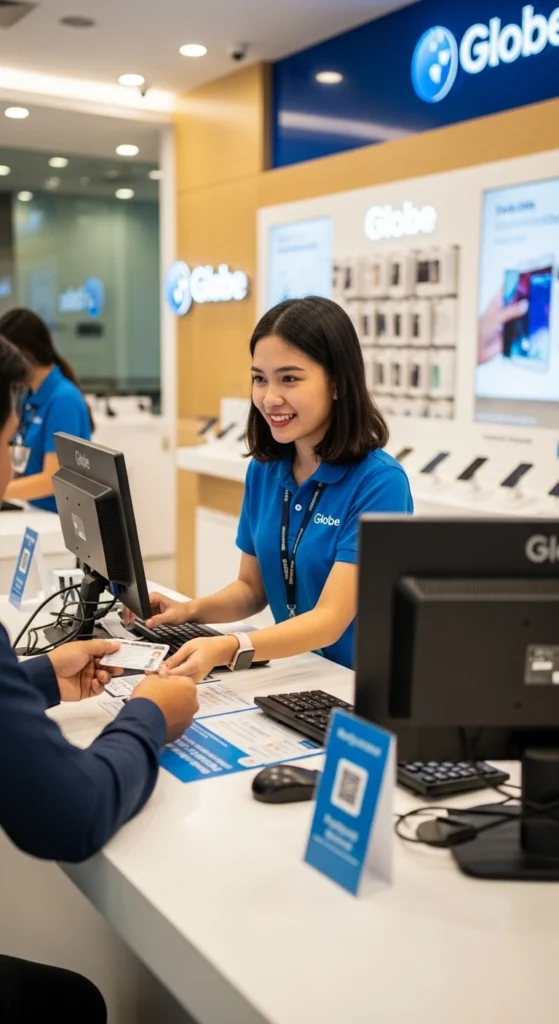
Tip: Visiting a store is the fastest method if your SIM is new or if you need assistance upgrading to a 5G SIM or eSIM.
Activation via Customer Hotline
- Call Globe’s official customer hotline. Make sure you are calling from a Globe number or have your SIM details ready.
- Provide your personal details exactly as they appear on your ID.
- The operator will guide you through the verification and activation process.
- After activation, you will receive a confirmation SMS.
Online Activation for Postpaid Accounts
- Log in to the Globe official portal or open the GlobeOne app.
- Select “Activate Postpaid SIM” and follow the on-screen instructions.
- Enter your personal information and plan details as required.
- After completing the process, your SIM and postpaid plan will be activated within a few minutes or up to 24 hours in some cases.
If you are activating a SIM specifically for your prepaid home router, do not forget to securely change your Globe WiFi password immediately after setup.
Checking If Your Globe SIM Is Activated
After activating your Globe SIM, it’s important to confirm that it’s working properly. Checking activation ensures you can make calls, send texts, and use mobile data without issues. Here are the ways to verify your SIM:
USSD Code
- Dial *143# from your Globe SIM.
- Select the option for balance, registration info, or SIM status.
- You will see a message showing whether your SIM is active and ready to use.
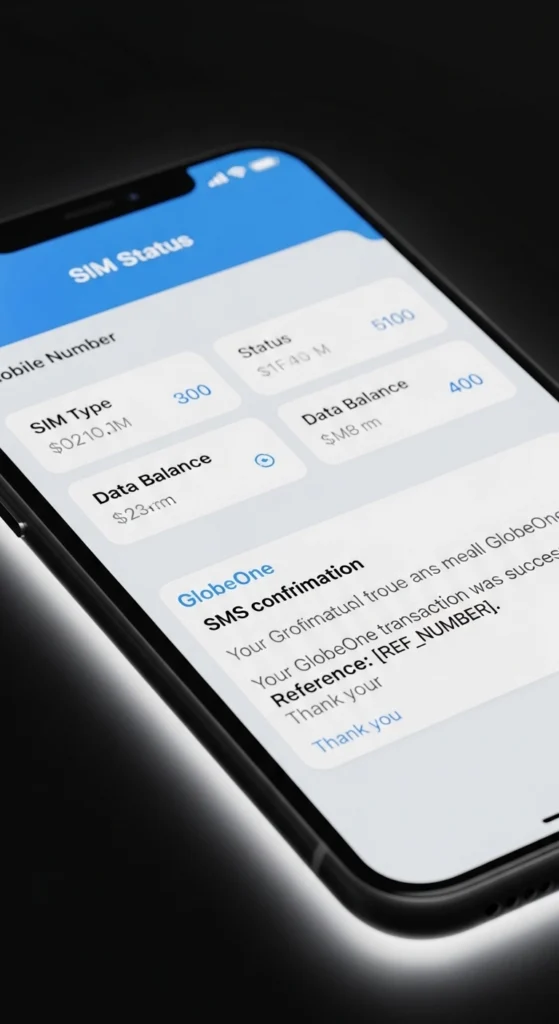
GlobeOne App
- Open the GlobeOne app on your phone.
- Go to the SIM status or My Account section to check if your SIM is active.
- The app also shows your data, load balance, and plan details.
SMS Confirmation
- After activation, Globe will send you a confirmation SMS stating your SIM is active.
- This message usually comes within a few minutes, but sometimes it may take up to 24 hours, depending on the network.
Once your newly activated SIM is loaded up with standard welcome freebies, you can instantly learn how to share data in Globe to send extra gigabytes to your friends.
How to Activate a Prepaid Globe SIM
Activating a prepaid SIM is simple. You can do it through the GlobeOne app, website, USSD codes, or SMS.
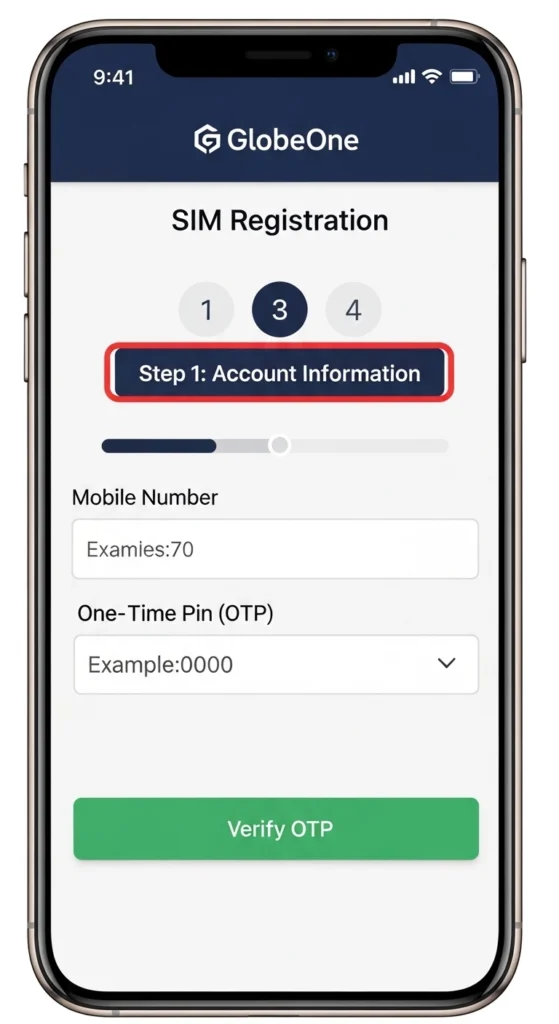
Activation via GlobeOne App
- Download the GlobeOne app from the Google Play Store (Android) or App Store (iPhone).
- Open the app and create an account if you haven’t already. Make sure your personal details match your valid ID.
- Tap “Register SIM” and enter your SIM number. Follow the instructions carefully.
- Your SIM is usually activated within a few minutes, and you’ll receive a confirmation message in the app.
- Tip: Make sure your phone has a good network signal during activation. If the app shows an error, try restarting your phone.
Activation via Globe Website
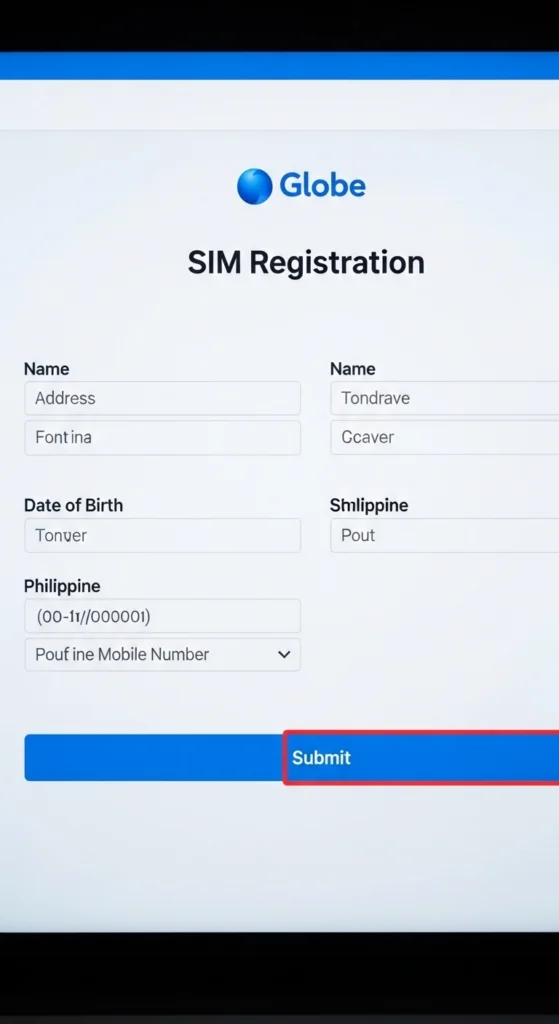
- Go to the official Globe SIM registration page: https://www.globe.com.ph/index.php/register-sim-card
- Enter your full name, date of birth, valid ID details, and SIM number exactly as they appear on your ID.
- Double-check your information, then submit the form.
- You will get a confirmation message via SMS or email once your SIM is activated.
Tip: Avoid using unofficial links or third-party websites they may steal your personal information.
Activation via Dial Code (USSD)
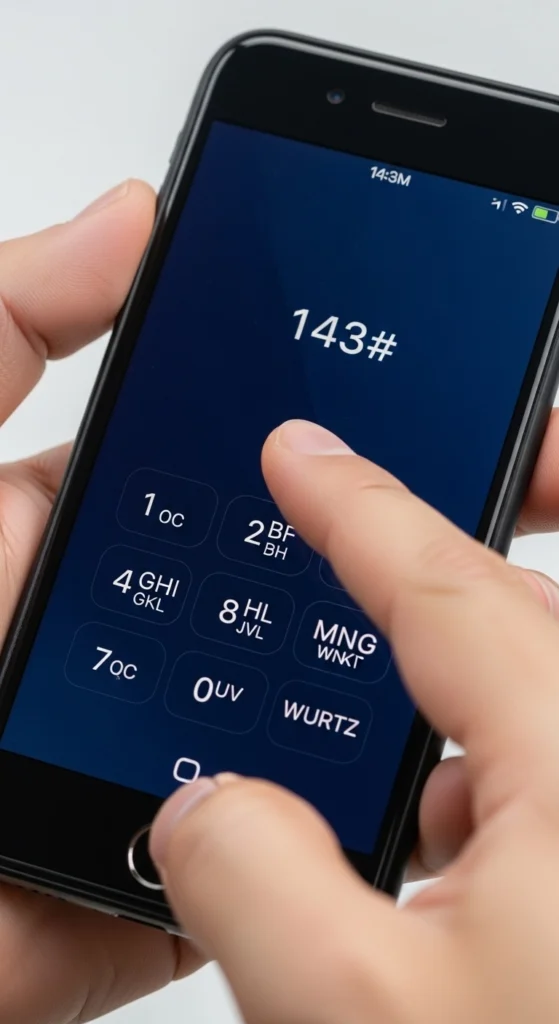
- Insert your new SIM into your phone.
- Dial *143# from your Globe SIM.
- Follow the instructions on the screen to complete registration and activation.
- After successful activation, you will see a confirmation message on your phone.
Tip: Make sure your phone is not in airplane mode and that you have mobile network coverage.
Activation via SMS
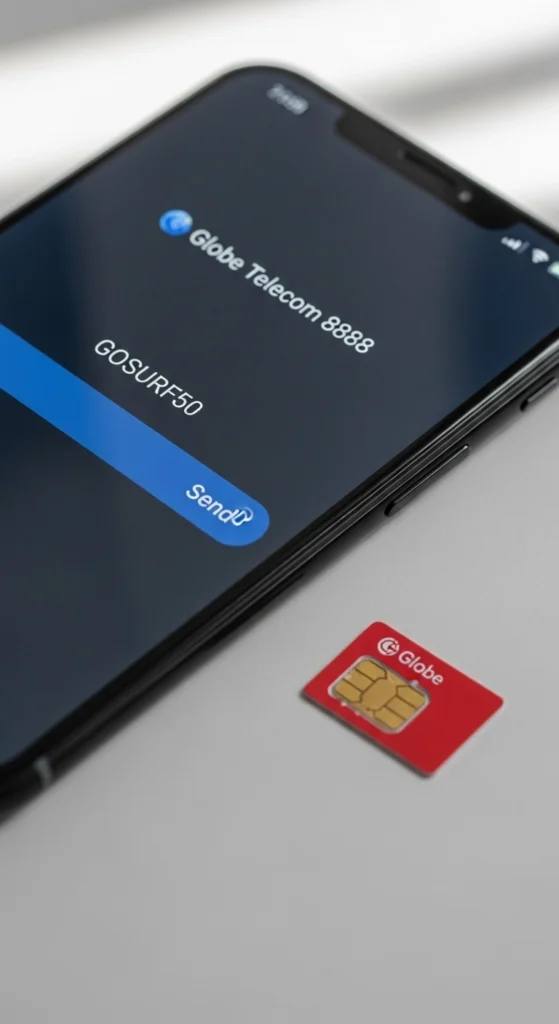
- Send your personal details in the required format to the official Globe number (check the GlobeOne app or official website for the correct number).
- Wait for a confirmation SMS stating that your SIM is active.
Tip: Keep your phone turned on and stay in an area with a good signal until you receive confirmation.
To prevent your freshly activated SIM card from expiring due to inactivity, familiarizing yourself with how to properly extend Globe load will help preserve your regular balance.
Common Activation Errors and How to Fix Them
Sometimes SIM activation can fail. Here’s how to troubleshoot:
- SIM not recognized: Remove and reinsert the SIM, then restart your phone.
- “Invalid SIM” or “SIM registration failed”: Make sure your ID info matches exactly what you entered.
- Network or phone issues: Try activating in an area with a strong Globe signal.
- Waiting time: Activation may take up to 24 hours in rare cases.
Tips for a Smooth Globe SIM Activation
- Ensure a strong network signal when activating.
- Keep your valid ID ready.
- Restart your phone after inserting the SIM.
- Wait up to 24 hours for full activation if needed.
After successfully registering your new 5G-ready SIM card, be sure to check your app and claim your free Go5G in Globe to test out ultra-fast browsing.
Conclusion
Activating your Globe SIM is quick and easy when you follow the official steps. Whether you have a prepaid, postpaid, or GOMO SIM, using the GlobeOne app, website, USSD codes, SMS, or visiting a Globe store ensures your SIM is registered safely and works properly.
Always make sure your personal information matches your valid ID, check your SIM status after activation, and follow the tips to avoid common problems. Once your SIM is active, you can enjoy calls, texts, mobile data, and all Globe promos without worry.
By following this guide, you can activate your Globe SIM in 2026 quickly, safely, and confidently.
Frequently Asked Questions
How long does Globe SIM activation take?
Usually, a few minutes to a few hours. Sometimes up to 24 hours.
Can foreigners register a Globe SIM?
Yes, but you must provide a valid passport and visa.
What to do if my SIM is still inactive after 24 hours?
Contact Globe customer service or visit a Globe store.
Can I activate multiple SIMs on one phone?
Yes, but each SIM must be registered and activated separately.
Official Globe Resources for SIM Activation
- Globe SIM Registration Portal: https://www.globe.com.ph/index.php/register-sim-card
- GlobeOne App: Available on iOS and Android
- SIM Replacement & Activation Help: https://www.globe.com.ph/help/sim-replacement#gref